Updated July 17, 2025
One of the things that stands in the way of many writers' ability to self-publish is book design. Finding and hiring a book cover designer, formatting the interior, uploading your files to IngramSpark—it can all seem a bit daunting. Not to worry—that's where IngramSpark's FREE book-building tool comes in!
Take Complete Creative Control of Your Self-Published Book
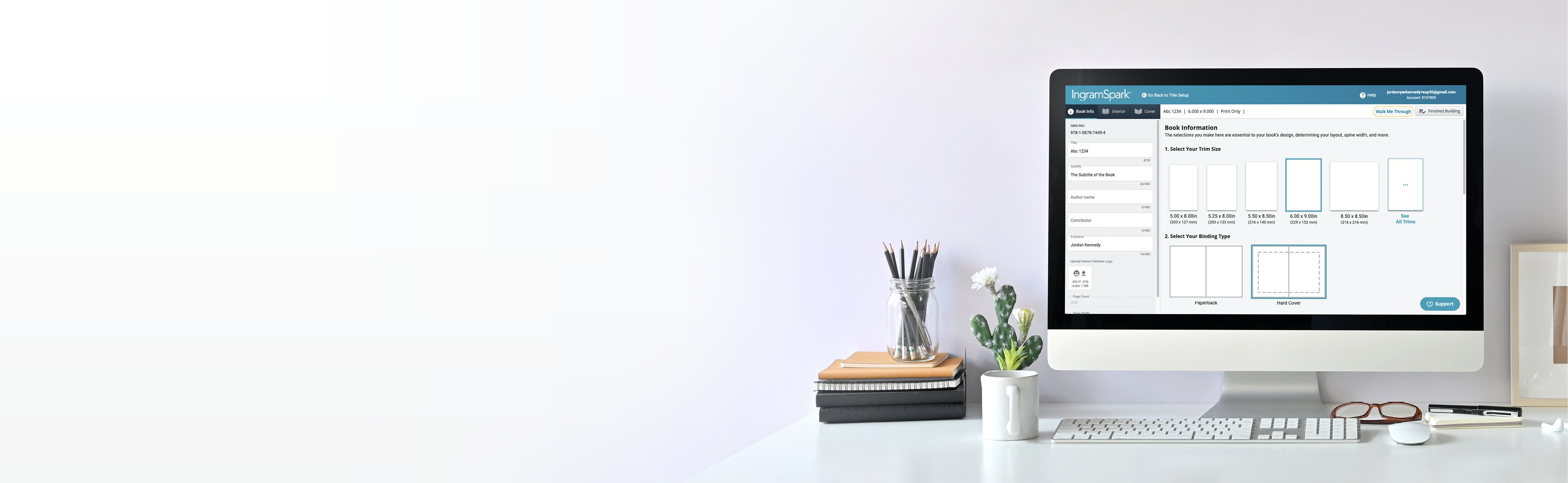
IngramSpark's online book design tool guides you through the process of creating cover and interior files (for free!) helping you to publish the book of your dreams. The tool is available for both print books and ebooks!
What You Can Do with IngramSpark's Free Book-Building Tool?
 Use predesigned layouts or customize your own front cover, back cover, and spine to create your book’s visual representation to a world of readers.
 Upload a Word doc (docx file format required) or type your book directly into the tool with predesigned interior templates to choose from and engaging chapter openers.
 Choose layouts for your cover and interior or upload a Word doc or print-ready PDF. Export files that are formatted to meet our file requirements.
 The book-building tool allows you to create cover and interior files for both print books and ebooks with the appropriate specifications.
Things to Keep in Mind
- Fonts & Spacing:
- Fonts and spacing will be slightly different from your print version.
- While the fonts in your print book will stay consistent from copy to copy, ebook fonts are a bit more flexible. That’s because your readers might enjoy your book on a variety of devices, and the font needs to adjust for the best reading experience.
- The fonts have to easily change and adapt to display the text in the clearest and neatest form possible for that device. Some e-readers also allow people to change the font of the text to suit their preferences.
- Think of ebooks as fluid; they change shape depending on the container they're poured into. But it’s still the same content…just in a vase or a bowl.
- Fonts and spacing will be slightly different from your print version.
- Table of Contents:
- A table of contents is essential for organization, and you'll still have one with an ebook, but with one major difference: page numbers.
- With print copies, everything stays exactly the same from page to page. but page 29 of your ebook on a Kindle may not look the same as page 29 on a Nook. Page numbers don’t mean a lot on a reflowable text, but they will still be there.
- The table of contents may also not appear as artistic as the print version. It is a table, after all, so it may appear more grid-like than the flowing layout you created for your print book.
- Cover Image:
- The cover of your ebook might often appear in black and white. While this doesn’t change anything about the layout or fonts of the cover, it's a significant difference to keep in mind when creating your book cover. You'll want to make something that's still eye-catching, even in black and white.
What are you waiting for? Get started designing the book of your dreams today!